
FiveM Lua Executor Guide: Safe Workflows for Scripts and Events
How to use FiveM Lua executors responsibly—runtime basics, QBCore and ESX events, Elite tooling, and config hygiene.
8 min read
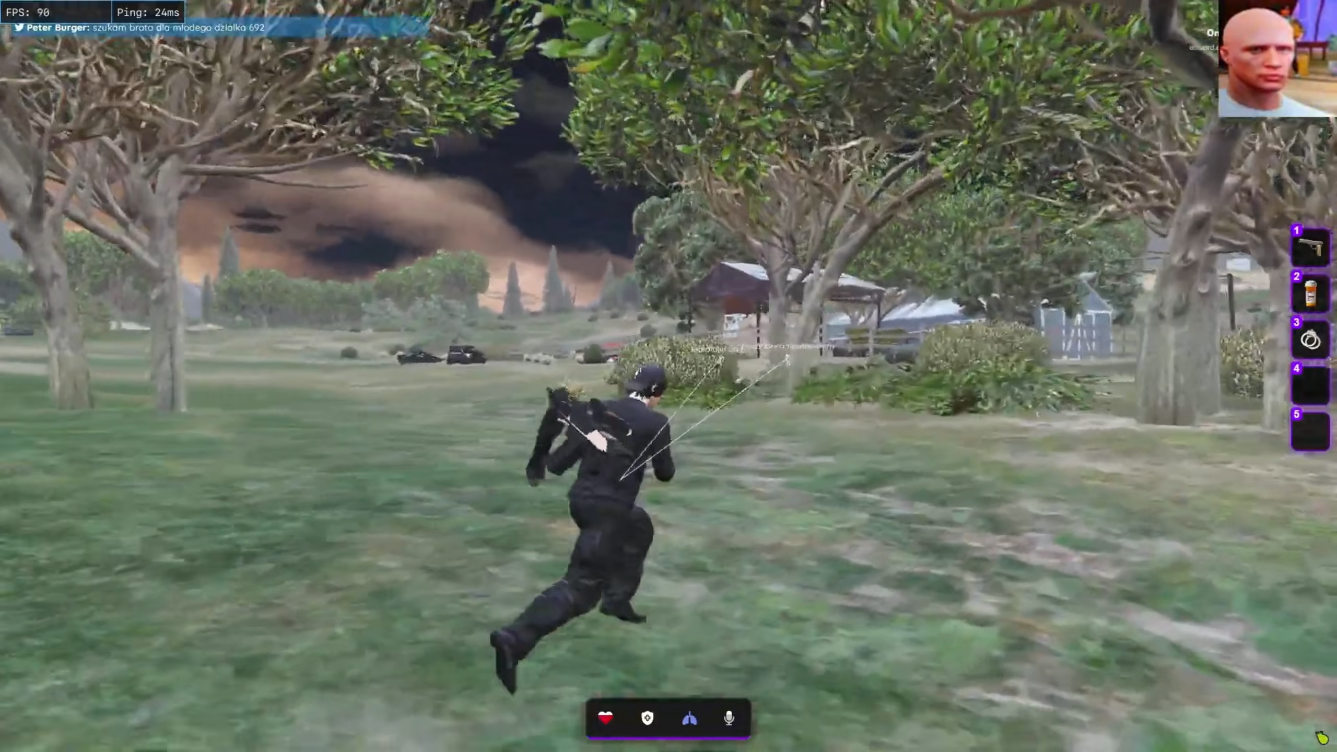
Lua is the glue of FiveM. QBCore jobs, ESX legacy callbacks, custom phone apps, and gang scripts all hang off client and server events. A Lua executor lets you interact with that runtime directly—running snippets, injecting menus, and inspecting what resources expose. Used carefully, it is a debugging and customization tool. Used carelessly on a populated RP server, it is a fast path to economy bans and community blacklists.
This guide covers practical workflows for FiveMCheats Lua executor users and FiveM Elite customers who rely on integrated execute, clear, reset, and inject panels.
Understand client runtime boundaries
FiveM splits logic between server and client. Server scripts own authoritative inventory, money, vehicles, and job state on well-managed hosts. Client scripts handle UI, animations, local predictions, and some trigger relays.
A client executor manipulates what your game instance loads—not remote databases directly. That distinction matters when forums claim snippets “give money” or “spawn cars server-side.” Often those snippets spam client events that secured servers reject—or that log instantly on QBCore and ESX economies.
Start by learning which events your target server actually registers. Elite’s resource trigger finder and event monitor help map names and payloads before you fire anything live.
Elite tooling map
Elite combines several panels that overlap with standalone scripting products:
- Lua executor: execute, clear, reset, inject.
- Event monitor and executor: watch fired events, edit payloads, delay or loop triggers.
- Event blocker: block, view, unlock, and edit event streams.
- Resource stopper: search, stop, start, destroy running resources.
- Resource dumper: dump and save server files for offline reading.
- Auto hijack executor and Lua runtime starters: reduce manual boot steps for menu scripts.
If you only need scripting without combat suites, compare the standalone Lua Executor and Premium Menu on the products index. Avoid buying duplicate tooling.
QBCore versus ESX event habits
QBCore servers—especially v2 migrations—use callback patterns and job checks that differ from ESX legacy event names. ESX hubs may still rely on esx: prefixed triggers while hybrid communities wrap both.
Do not assume one snippet works across communities. Build a test sheet per server:
| Task | QBCore note | ESX note |
|---|---|---|
| Job check | Verify police/EMS job exports | Confirm job name strings |
| Inventory | Client open events differ by inventory fork | Watch for ox_inventory bridges |
| Vehicles | Garage systems hook keys and plates | Legacy garages use other events |
Run harmless logging snippets—printing registered handlers or echoing debug lines—before economy-touching code. Our cheat features guide explains how resource tools fit next to ESP and combat pages.
Safe execution workflow
Adopt a repeatable loop:
- Alt or sandbox server first. Never debug unknown Lua on mains.
- Read the snippet. Understand loops, waits, and network triggers.
- Execute once. Watch FPS, chat, and console for errors.
- Clear or reset after test—do not leave injectors running idle.
- Save working menus through config import/export or favourites.
Disable event loops and delayed spam during RP scenes. Admins correlate burst patterns in logs faster than you expect.
Menu integrations and premium addons
Elite supports Lua menu integrations with bundled profiles; the premium menu addon targets players who want packaged UI without assembling scripts manually. Treat third-party menus like any other code—verify sources, update after FiveM patches, and strip features you do not need.
Pair menu use with conservative ESP from our ESP and aimbot setup guide when you play mixed RP and scripting sessions. Visible overlays draw reports even when Lua stays quiet.
Patch days and recovery
Executors break when Cfx.re changes client APIs or when popular frameworks rename events. After updates, confirm live status for Elite or the standalone product before injecting large menus. Keep exported configs versioned—menu-v3-patch-2802 beats final.lua.
If bans follow testing mistakes, recovery may require a HWID spoofer—recovery tools do not undo server blacklist notes on strict RP communities.
Responsible takeaway
Lua executors are power tools. On FiveM they belong in the same mental category as admin panels—capable of ruining someone’s RP night in one misfired trigger. Use Elite and standalone executors to learn frameworks, tune personal menus, and debug callbacks on servers you own or where scripting is explicitly allowed.
For everyday play, keep executor panels off hotkeys, run minimal snippets, and choose tier honestly: Lite for awareness, Pro for combat, Elite when scripting is the main reason you log in. Respect server economies, read community rules, and treat every event payload as logged—because on QBCore and ESX hosts, it often is.
Executor vs Elite: pick one primary base
Elite includes the widest scripting surface — event monitor, resource dumper, and integrated executor panels. The standalone Lua Executor fits when scripting is the main goal without paying for full combat and misc stacks you will not use.
Save with the Executor + Menu Bundle when you want Premium Menu UI toggles alongside scripting, or compare Elite when one license should cover daily play and debugging.
Cheats & products for this guide
Treat Lua tooling like admin access — buy the executor path that matches how often you script, not how many forum screenshots you saw.
FiveM cheat tiers
- FiveM Elite Complete mod menu with Lua & server tools
The full FiveM cheat suite with Lua executor, event monitor, resource tools, server exploits, advanced teleports, vehicle tuning, and complete config control.
Standalone products
- FiveM Lua Executor Script injection & resource tools
A FiveM Lua executor for custom script injection, resource inspection, event logging, and server-side workflow automation.
- FiveM Premium Menu Advanced self & online mod categories
A premium FiveM mod menu add-on with extended self mods, online player tools, trolling utilities, and server interaction features.
- Executor + Menu Bundle Lua executor & premium menu combo
A bundled FiveM package combining the Lua Executor and Premium Menu add-on for scripting, injection, and extended mod categories in one checkout.
Frequently asked questions
What is a FiveM Lua executor used for?
It runs Lua snippets against the client-side FiveM runtime—testing triggers, loading menu scripts, clearing or resetting injected code, and inspecting callbacks. Elite tier integrates executor panels; the standalone Lua executor product focuses on scripting without the full Elite menu.
Can Lua executors run server-side scripts?
Client executors target client Lua state and client events. They cannot replace server authority for inventory, money, or job data on properly secured QBCore or ESX hosts—but careless client triggers can still spam events admins monitor.
Is it safe to paste random Lua from Discord?
Never paste unreviewed snippets on a main account. Malicious or outdated code can crash clients, loop events, or trigger obvious economy exploits. Read each line, test on alts, and keep backups of working configs.
How does Elite differ from the standalone Lua executor?
Elite bundles executor workflows with resource dumper, event blocker, event monitor, resource stopper, auto hijack executor, and Lua runtime starters. The standalone product suits users who want scripting tools without Pro combat or Elite server exploit suites.
What should I do before executor use after a FiveM patch?
Wait for confirmed compatibility on your tier, update the loader, and re-test a harmless print or noop snippet before reloading complex menus. Patch days break injectors and event names alike.
Related articles
GTA 5 Online vs FiveM — Why Cheats Are Different
GTA Online and FiveM use different anticheat, frameworks, and server rules. Learn why FiveMCheats is built for FiveM — and what transfers from single-player habits.
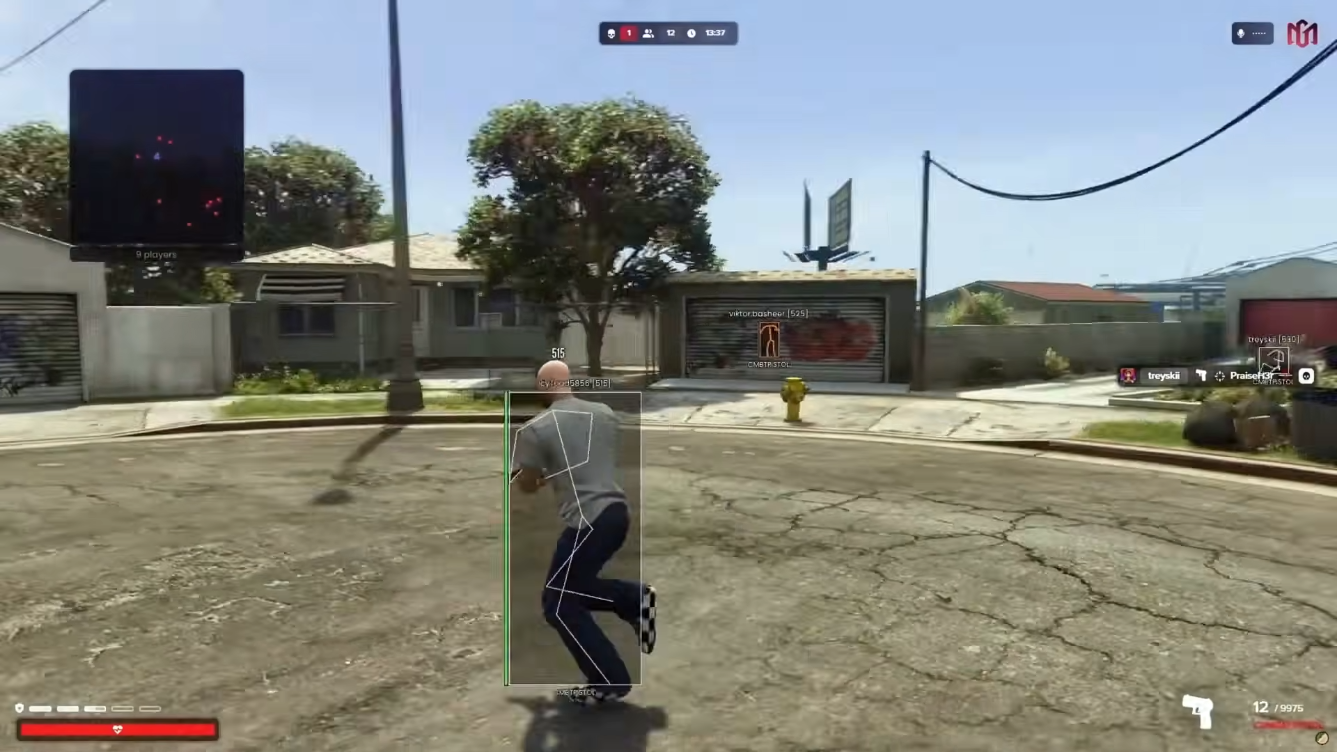
FiveM ESP and Aimbot Setup: Clean Profiles for RP and PvP
Step-by-step ESP, radar, and aimbot configuration for FiveM Lite and Pro—readable overlays, sane FOV, and server-aware tuning.