
FiveM ESP and Aimbot Setup
Readable overlays, sane FOV, distance filters, and RP-safe colour palettes for Lite and Pro.
An entry-level FiveM cheat tier with player ESP, radar, teleport presets, noclip, godmode, and stream-proof overlays for RP and freeroam servers.
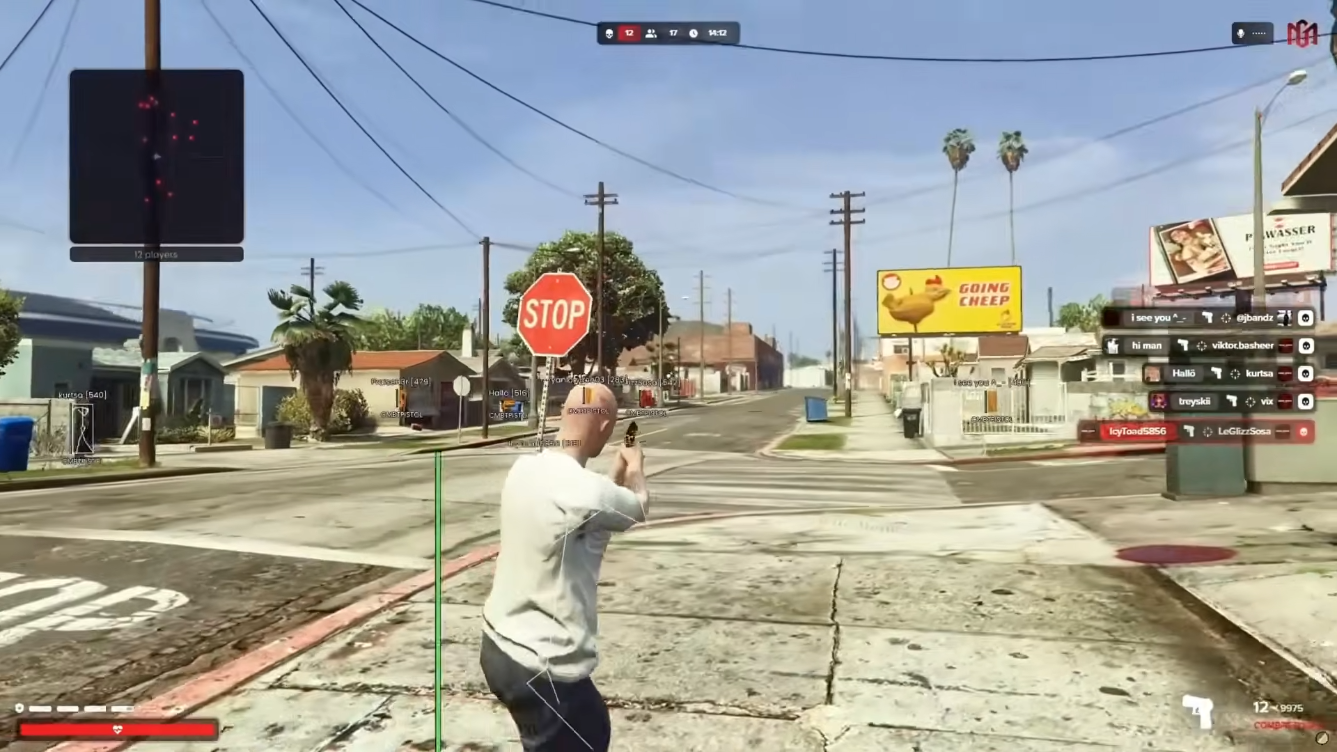
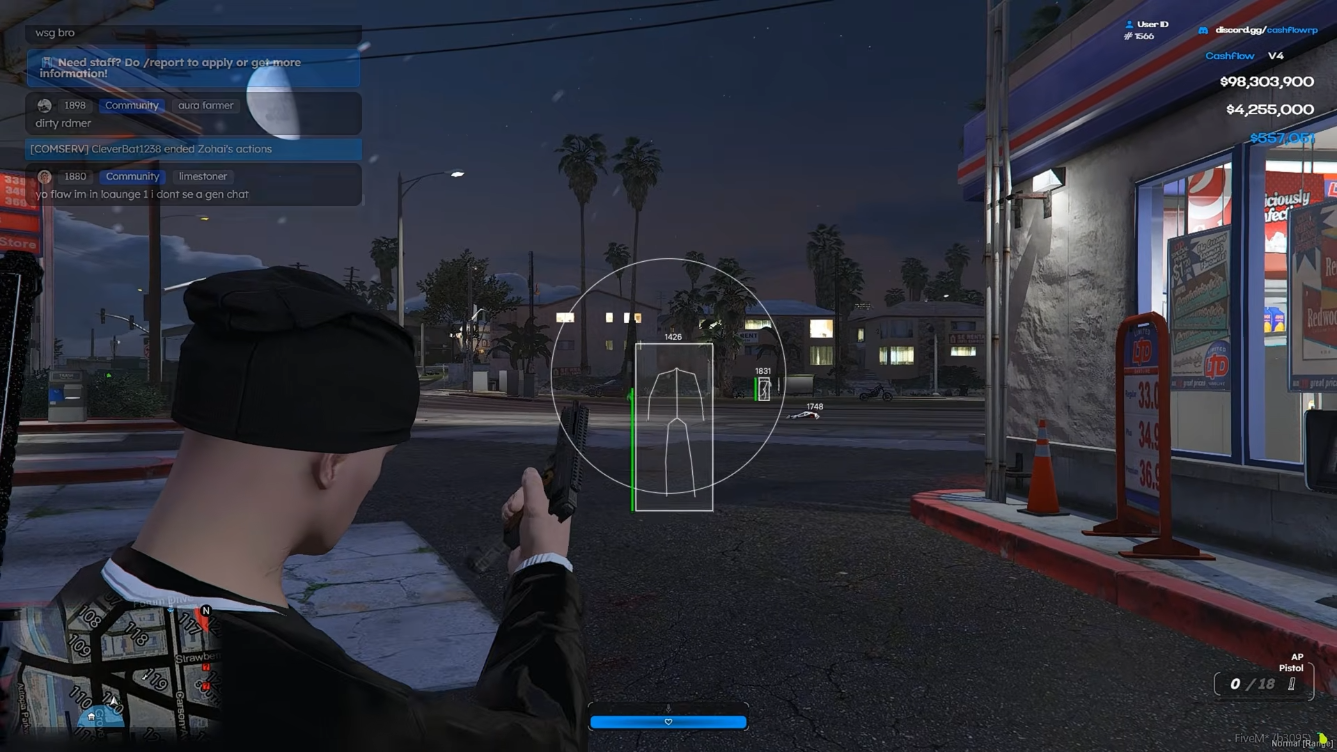
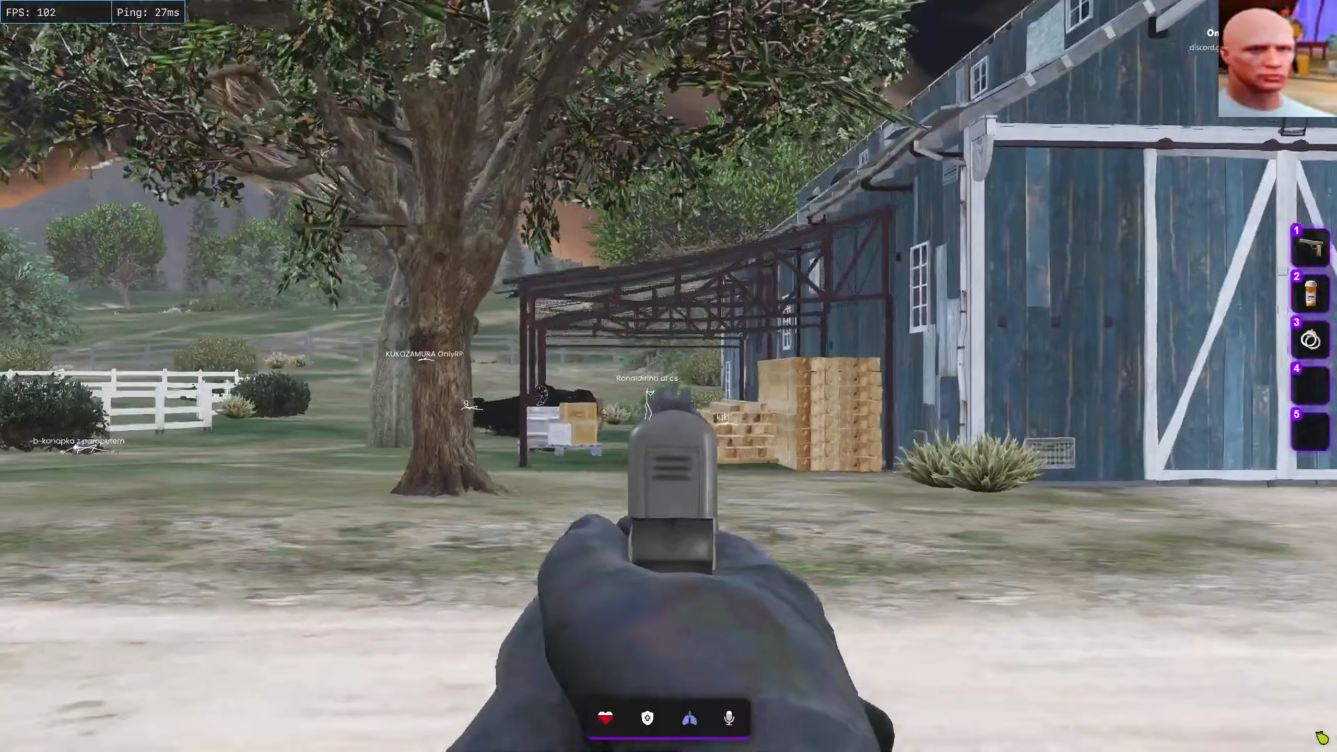
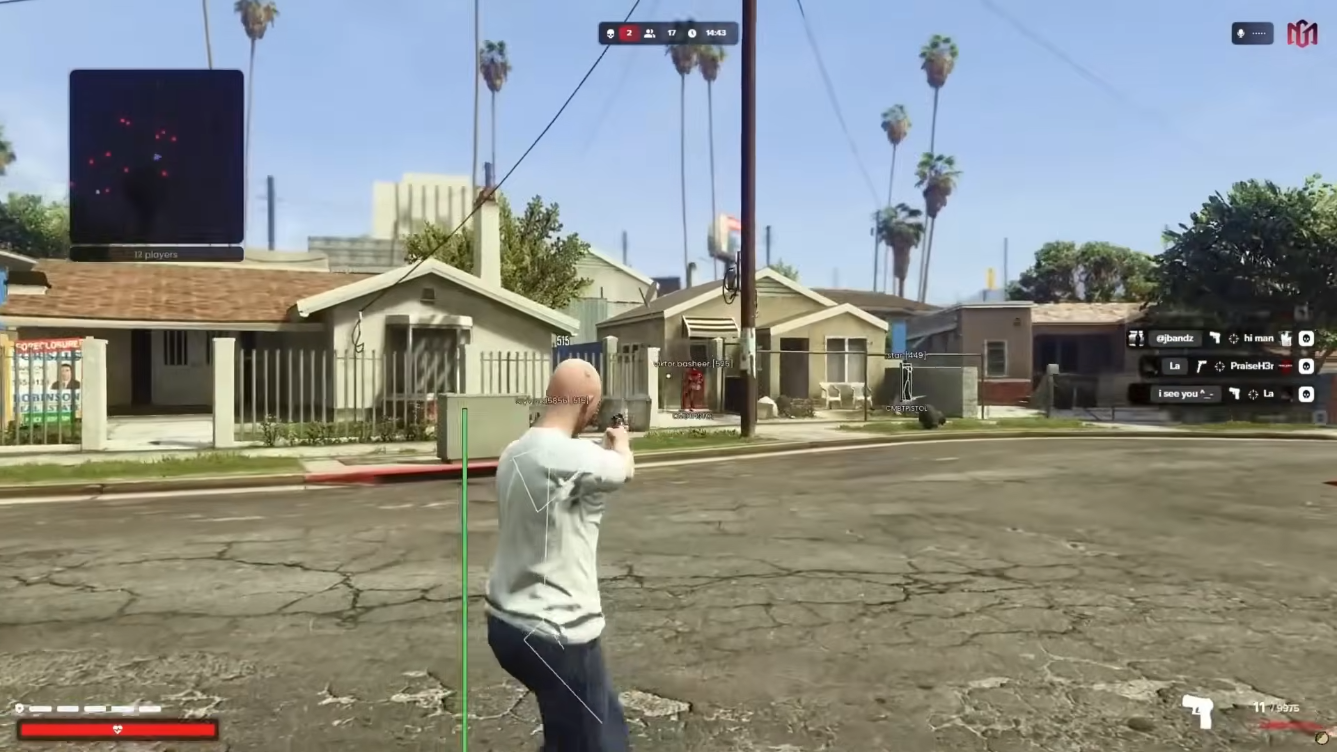
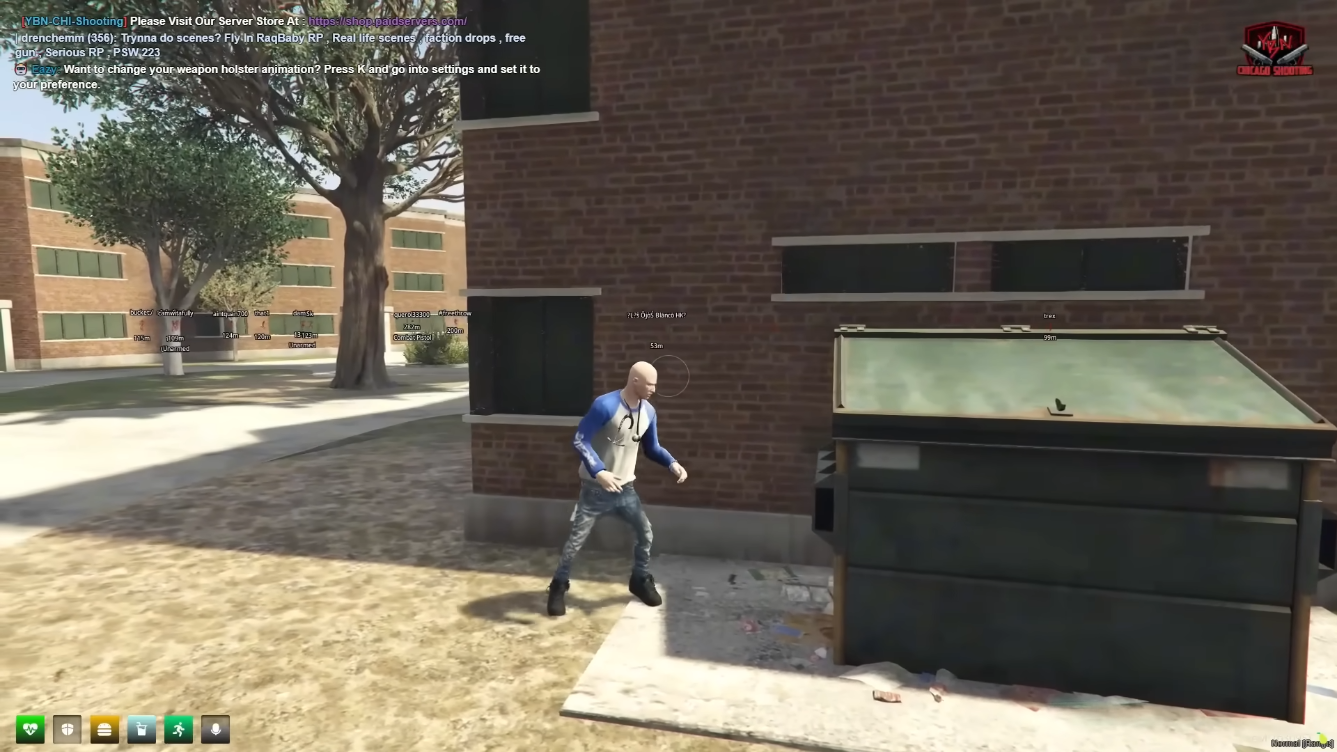
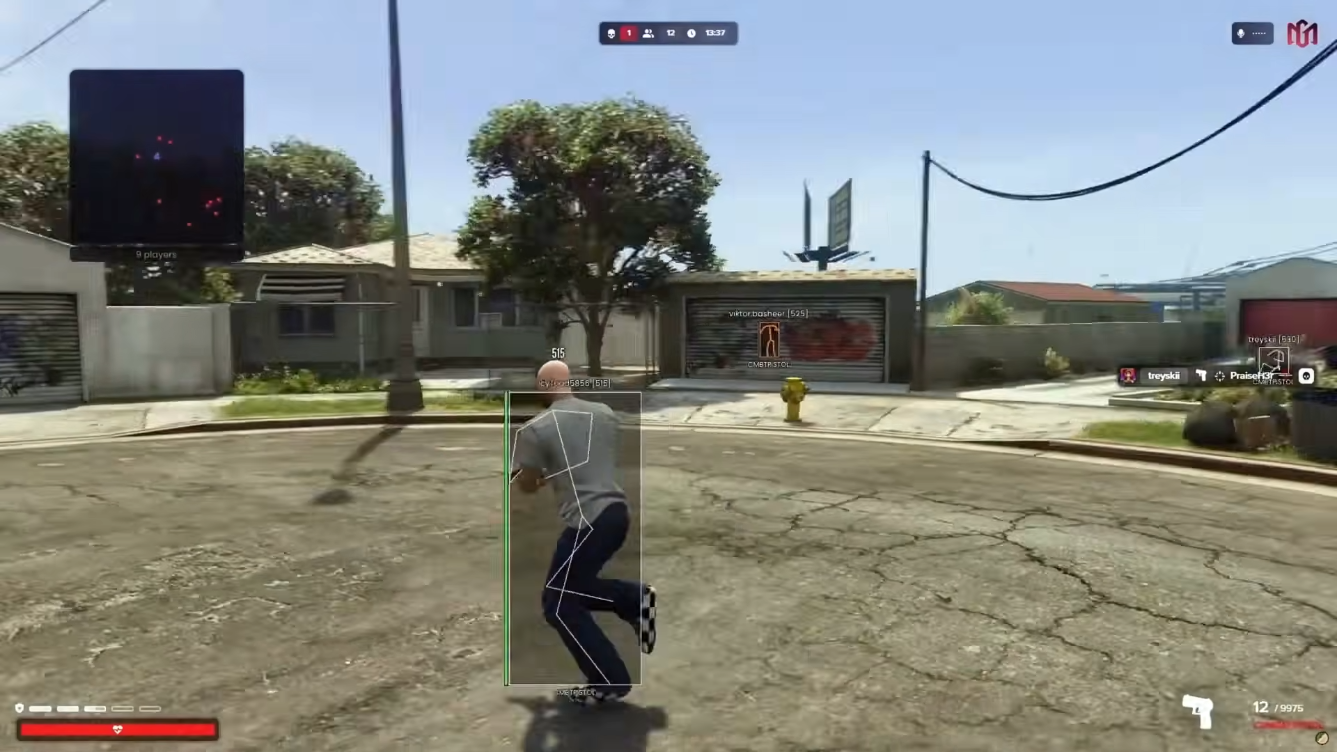
FiveM Lite focuses on awareness and movement: player ESP with health, names, weapons, and distance readouts, plus a compact radar for nearby activity.
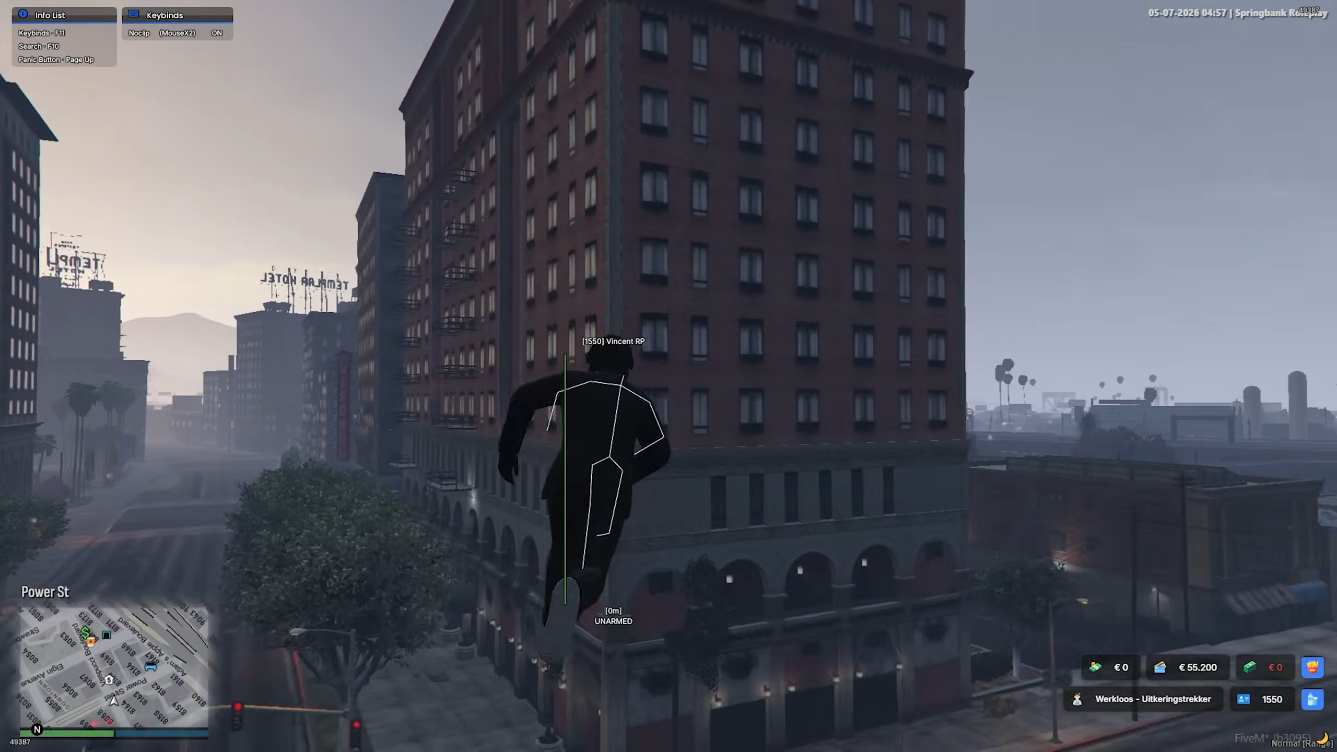
Teleport presets, waypoint warp, noclip, godmode, and stream-proof capture protection make it a solid starting tier for QBCore, ESX, and custom framework servers.
Player & vehicle awareness
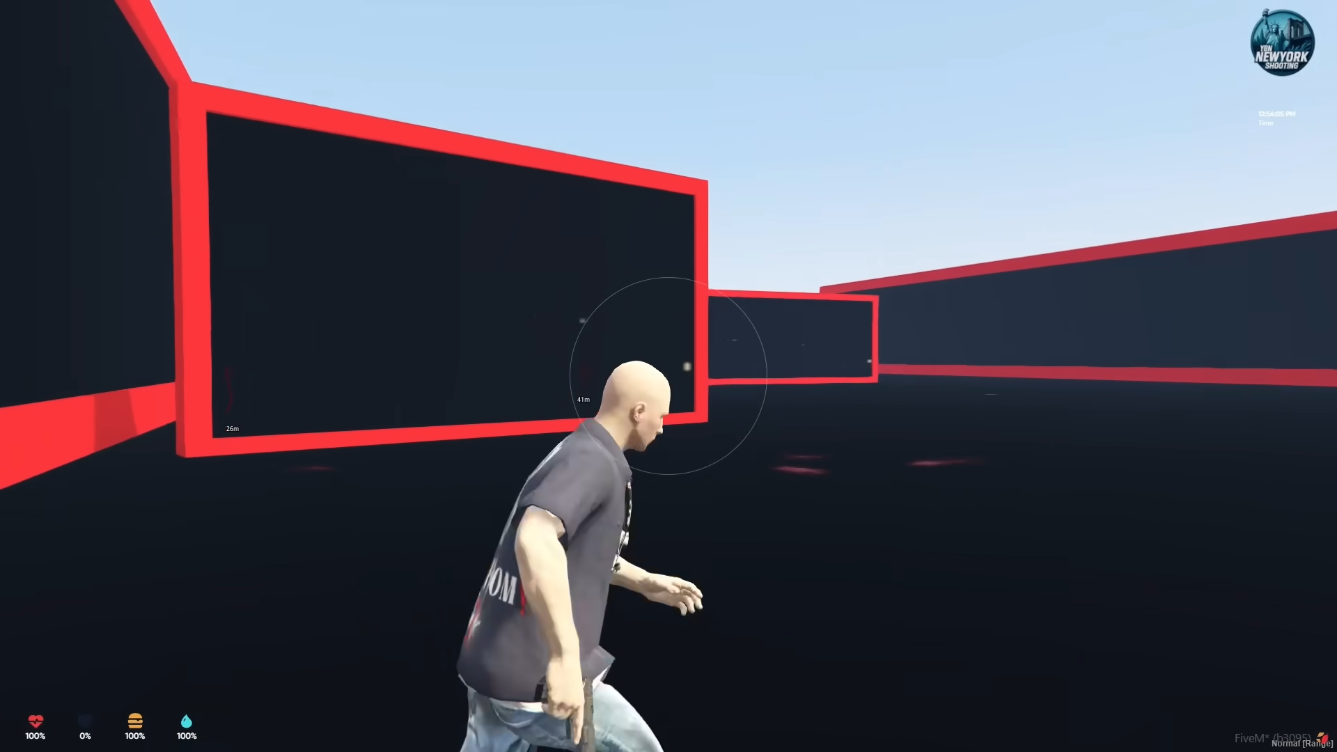
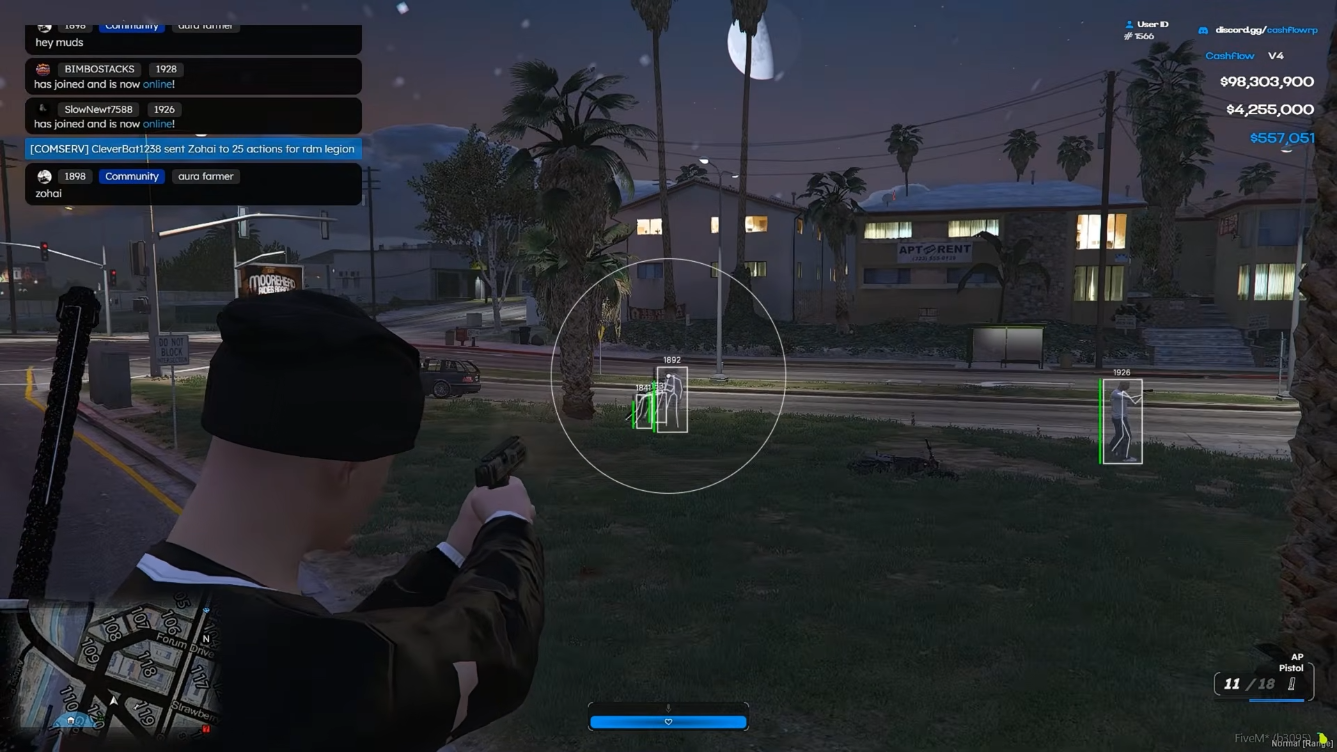
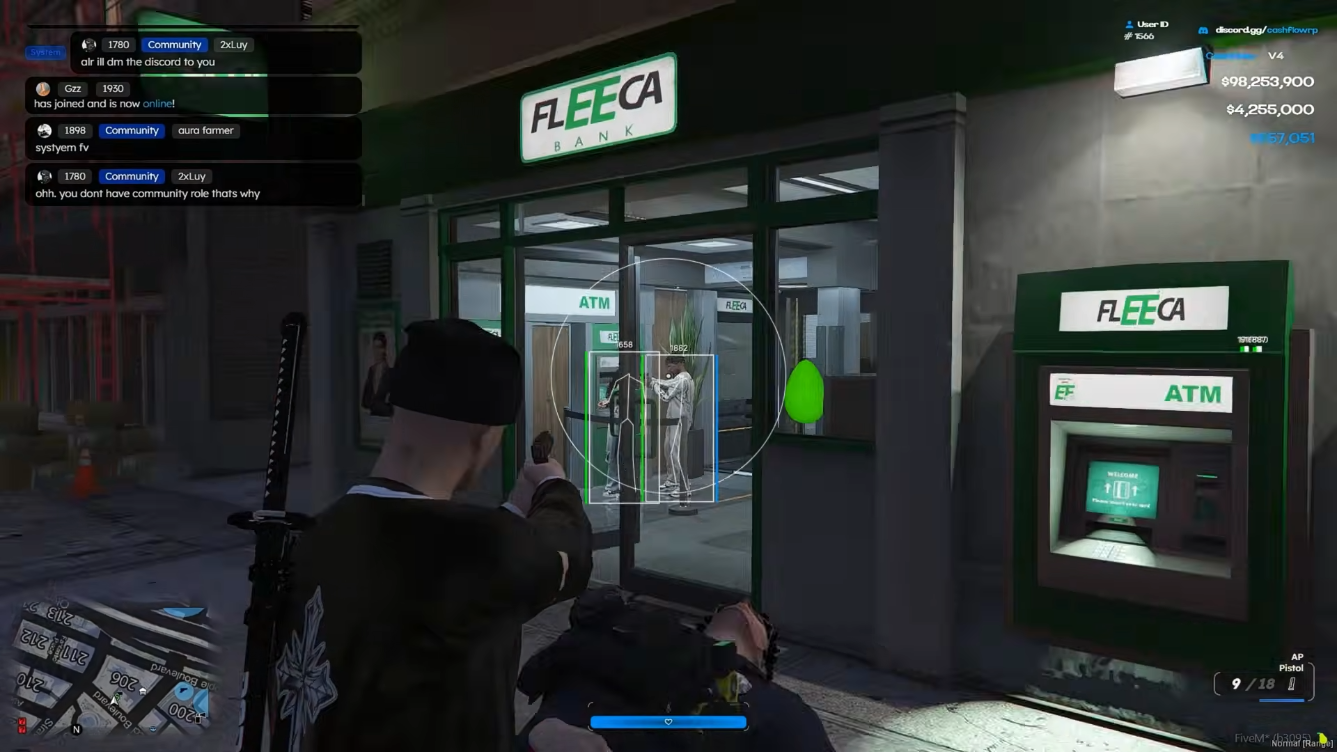
Box ESP, skeleton outlines, health bars, weapon tags, and distance filters tuned for crowded city RP.
Compact radar HUD
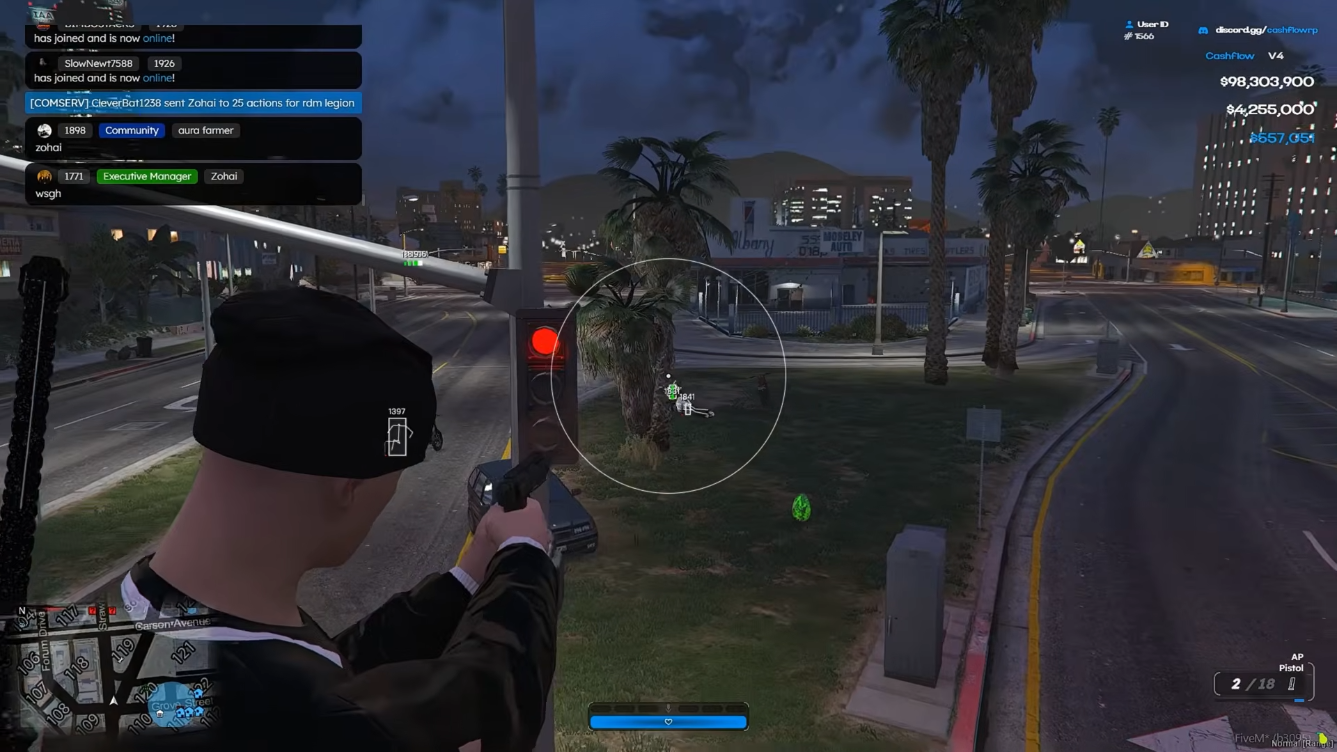
Track nearby players and NPC activity without filling the screen — useful for heists and gang scenes.
Movement utilities
Teleport presets, waypoint warp, noclip, and godmode for freeroam testing and controlled RP scenes.
Stream-safe presentation
Hide overlays from recordings while keeping readable ESP during normal gameplay.
Monthly and lifetime options are published when available. Contact support if you need help picking a term for your server type.
Monthly
Renewable access for the current supported release.
Lifetime
One-time access subject to the published license terms.
FiveM Lite is the best starting tier on FiveMCheats — ESP, radar, and movement tools without combat automation. Ideal for QBCore and ESX RP before you upgrade. Read our guides below, then get FiveM Lite on fivemcheats.net when you are ready to launch.
An entry-level FiveM cheat tier with player ESP, radar, teleport presets, noclip, godmode, and stream-proof overlays for RP and freeroam servers.
Player ESP
Boxes, skeletons, health bars, weapon tags, and distance filters for crowded city RP.
Radar HUD
Compact nearby activity without full-screen clutter — ideal for heists and gang scenes.
Movement tools
Teleport presets, noclip, godmode, and waypoint warp for freeroam testing.
Stream-proof mode
Hide overlays from OBS and common capture paths while keeping readable ESP.
From our guides
RP ESP distance sweet spot: On strict QBCore and ESX patrol routes, cap player ESP to 80–120 meters. Our ESP setup guide shows how crowded Legion Square scenes stay readable without wall-of-text overlays.
ESP setup guide →Long-form guides on fivemcheats.net — each links to the FiveMCheats cheat tier or product page when you are ready to get access.
 Setup
Setup Readable overlays, sane FOV, distance filters, and RP-safe colour palettes for Lite and Pro.
 Strategy
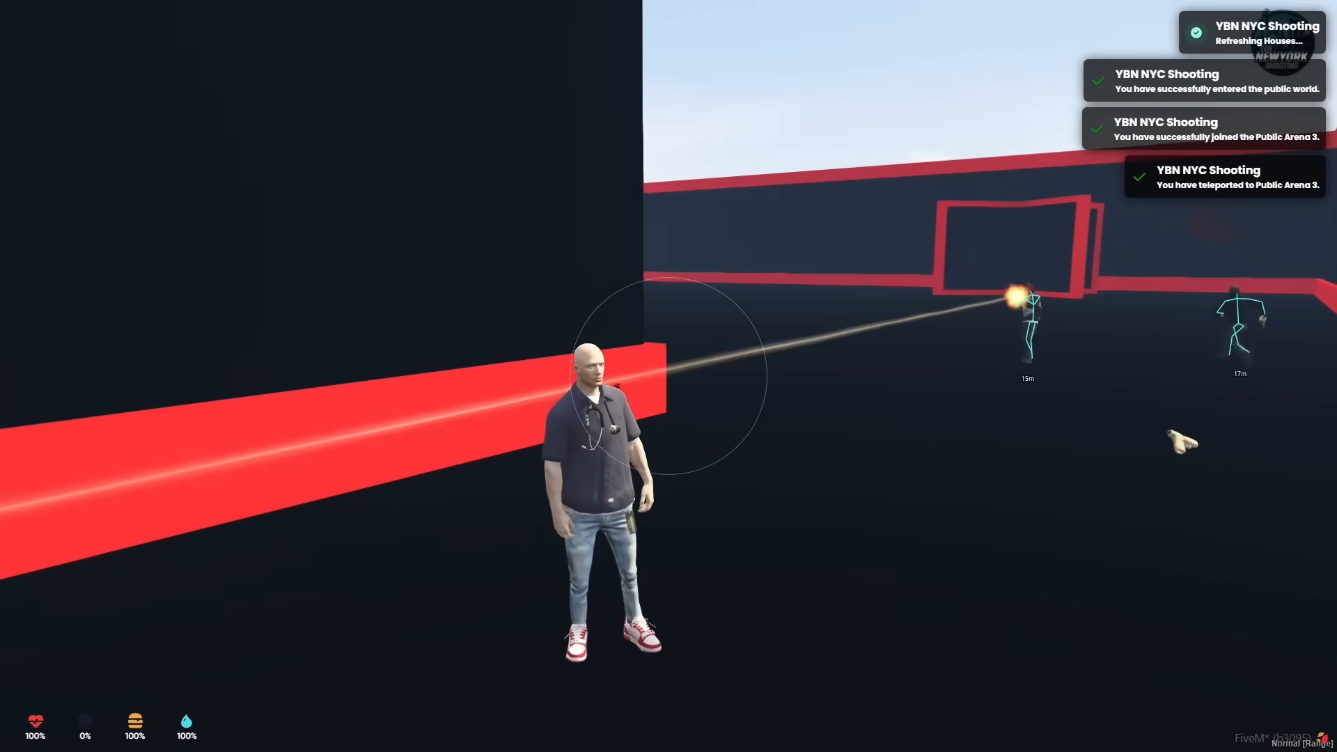
 Separate saved profiles for roleplay patrol, arena combat, and freeroam — never reuse one preset everywhere.
 Guides
 Lite vs Pro vs Elite — tier fit for ESP-only RP, PvP combat, and full Lua scripting workflows.
 Guides
 Feature-by-feature breakdown of ESP, aimbot, Lua, resource tools, and menu categories.
Quick reference for compatibility, update cadence, and what to expect before checkout.
FiveM Lite is the awareness-first tier on FiveMCheats. It prioritizes readable player ESP, a compact radar, teleport presets, and movement utilities without adding aimbot, silent aim, or Lua scripting that can dominate combat logs on moderated servers.
On QBCore and ESX roleplay communities, Lite is commonly used to track nearby players during heists, gang scenes, and city traffic — with distance caps and muted colours so overlays stay practical in crowds.
Stay on Lite if you do not need combat automation or vehicle spawner suites. Move to FiveM Pro when you regularly fight on PvP or gang-war servers and need aimbot, silent aim, triggerbot, and weapon exploits alongside ESP.
Lite is also the recommended starting tier for new users validating settings on an alt account before touching a main RP character.
Yes. Lite covers player ESP, radar, teleport presets, noclip, godmode, and stream-proof overlays without combat automation — ideal for QBCore, ESX, and custom RP communities when you keep distances short and colours muted.
No. Combat automation starts on FiveM Pro. Lite is built for awareness, movement, and presentation controls.
Many users start on Lite, validate configs on an alt, then move to Pro or Elite when they need aim tools or Lua scripting. Contact support before checkout if you want guidance on tier fit.
Stream-proof presentation is designed to keep menu overlays off recordings and common capture paths. Always test your exact OBS setup before going live.
Choose the right tier