
External vs DMA FiveM Cheats
Overlay architecture, hardware DMA setups, and which footprint fits your PC and server habits.
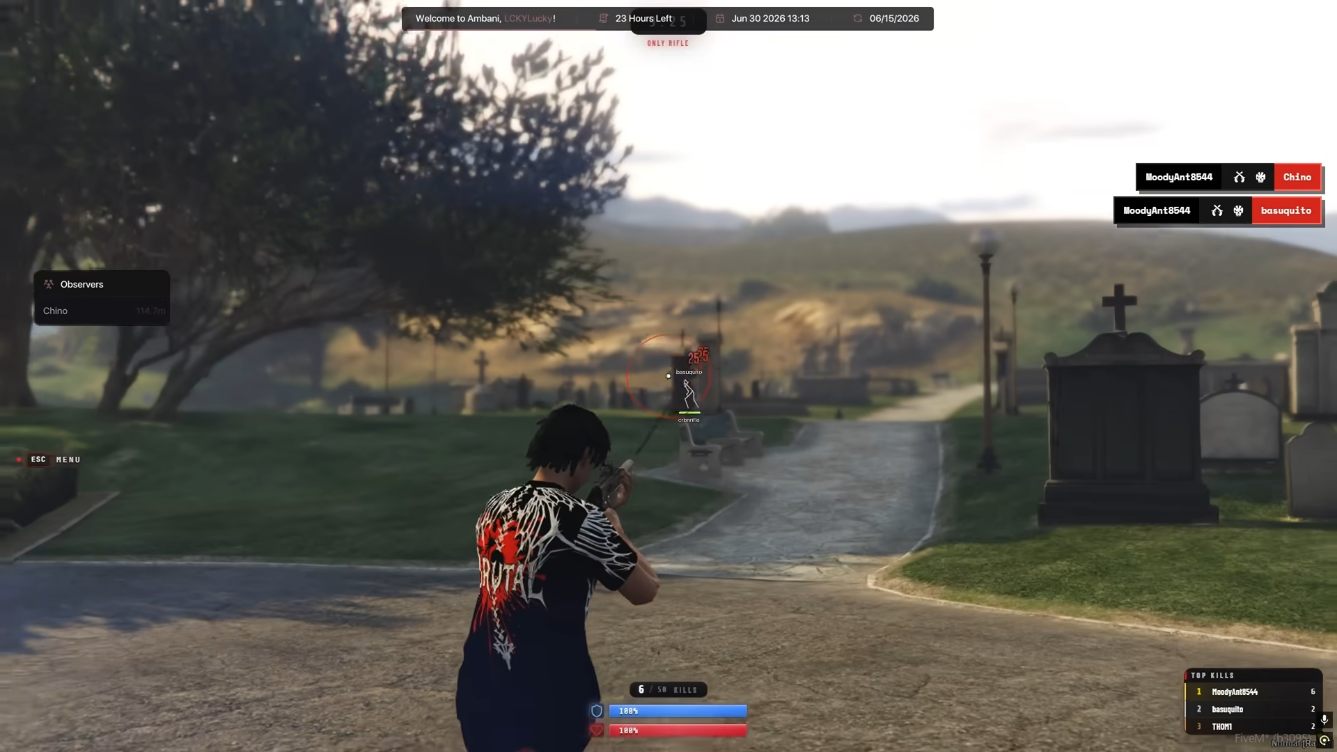
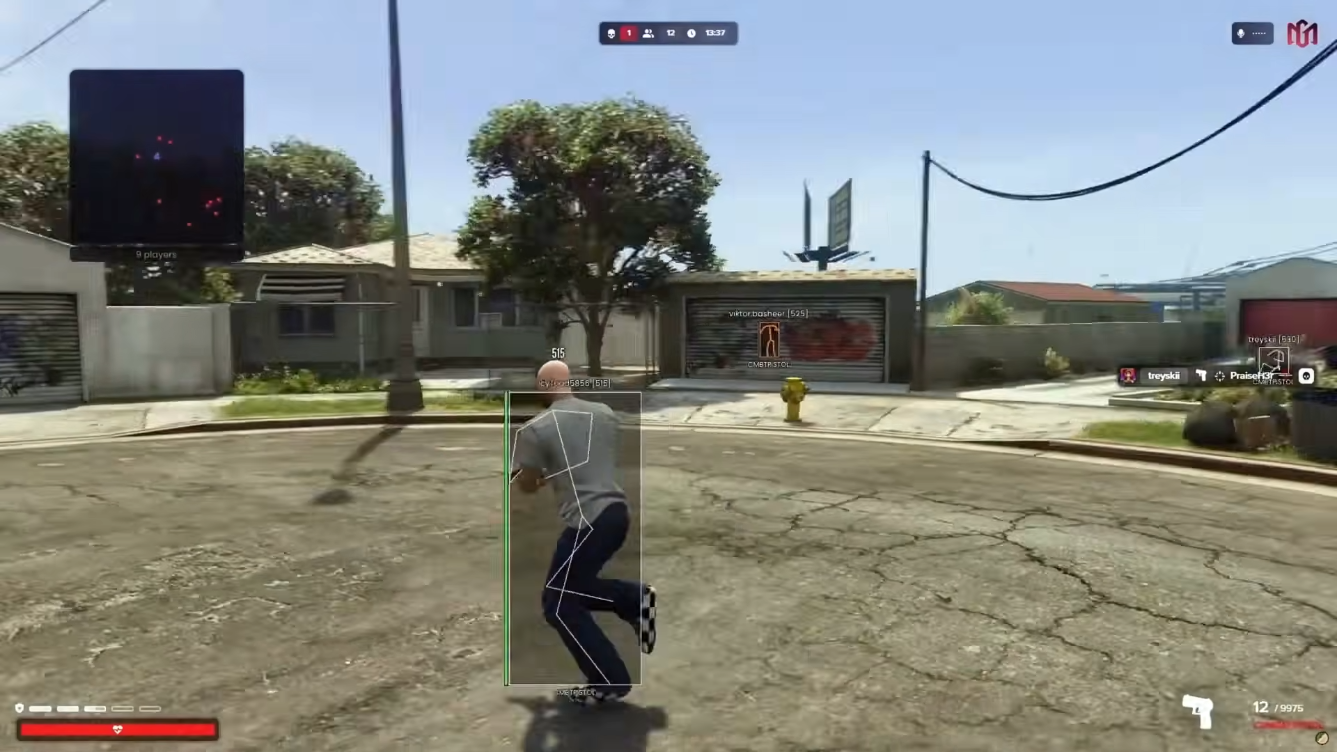
An external FiveM overlay menu with player ESP, aim assistance, vehicle tools, and stream-proof capture — designed for a lighter footprint outside the game process.
The FiveM External Menu renders overlays from outside the FiveM client, pairing readable ESP and combat controls with stream-proof presentation for RP, PvP, and freeroam sessions.
Ideal when you want menu-style awareness without Lua scripting — compare with the Lua Executor for resource work or Premium Menu when you need addon toggles on an existing base.
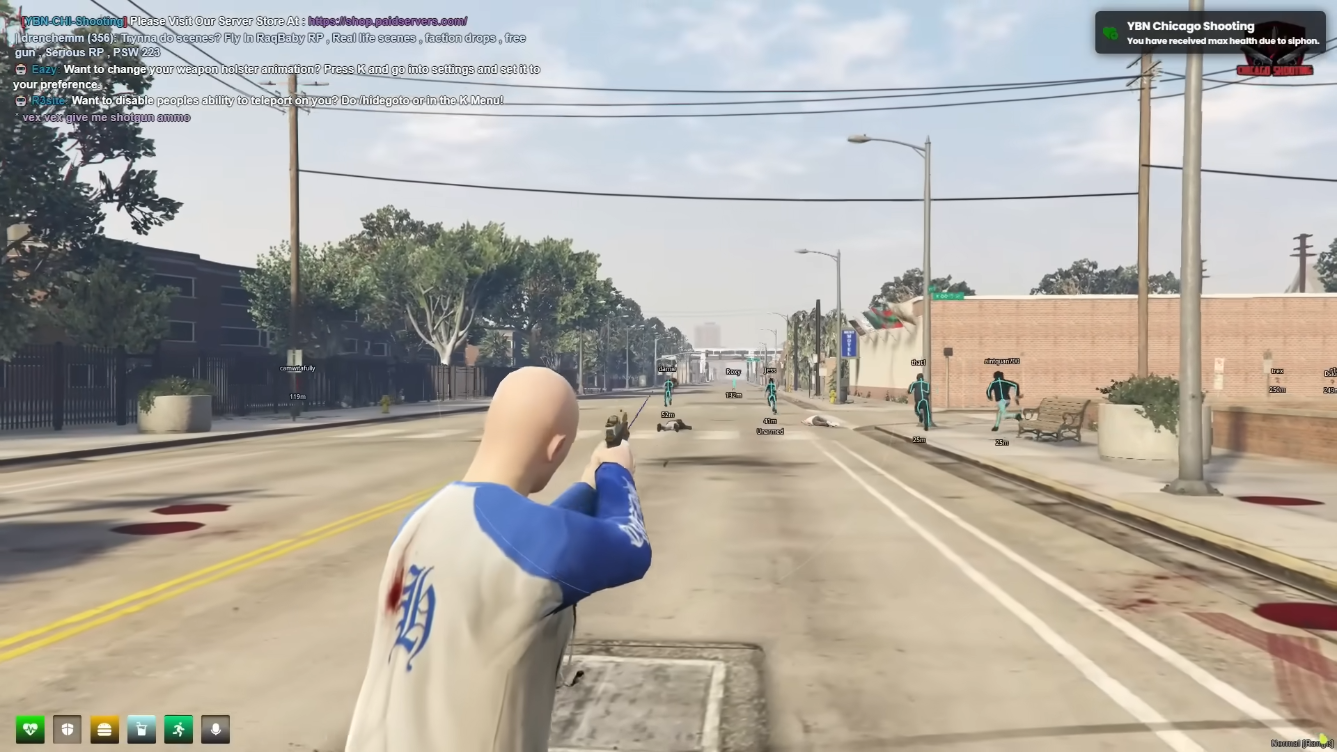
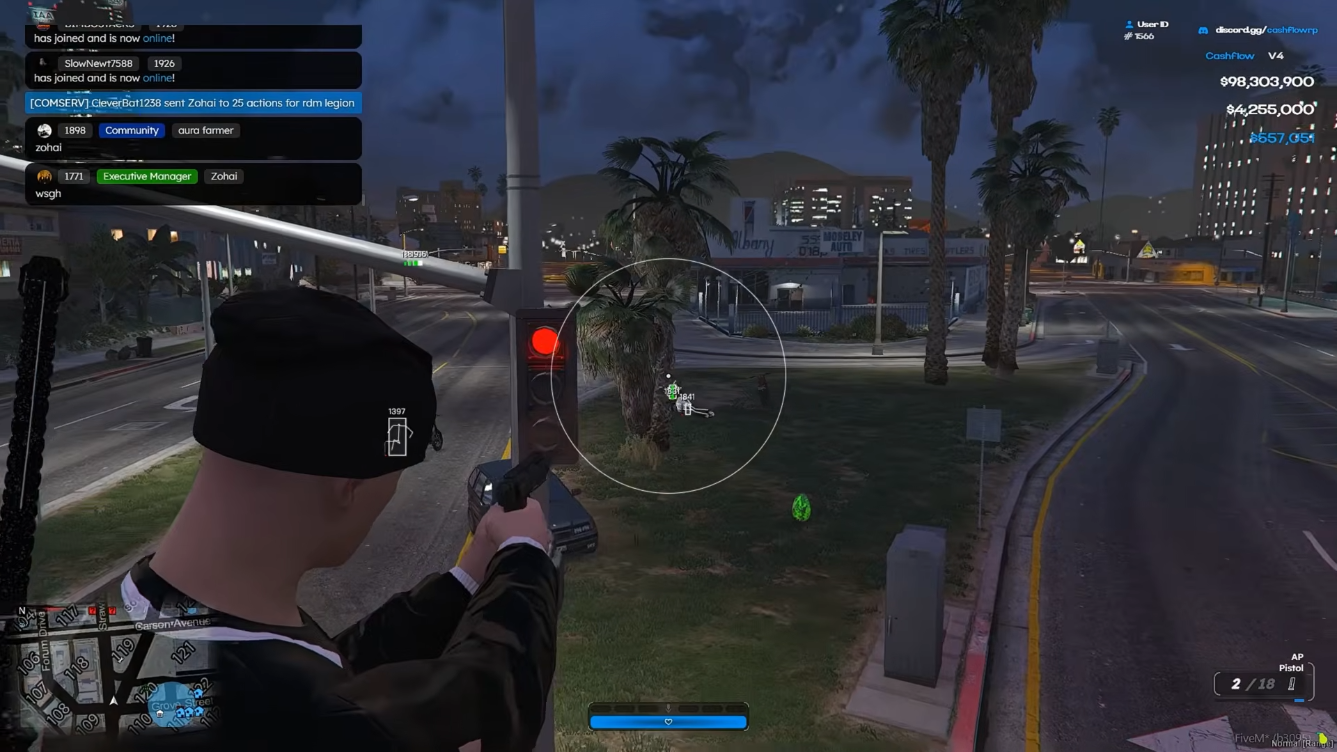
External overlay ESP
Players, vehicles, and distance filters with panic hide hotkeys.
Aim assistance module
FOV, smoothing, and bone priority tuned for external presentation.
RP & PvP presets
Saved profiles for switching between strict RP and arena servers.
Stream-proof capture
Keep overlays off OBS and common recording paths.
Monthly and lifetime options are published when available. Contact support if you need help picking a term for your server type.
Monthly
Renewable access for the current supported release.
Lifetime
One-time access subject to the published license terms.
FiveM External Menu delivers overlay ESP and combat outside the game process — compare with Lite/Pro cheat tiers or Lua Executor when you need scripting. Read our guides below, then get FiveM External Menu on fivemcheats.net when you are ready to launch.
An external FiveM overlay menu with player ESP, aim assistance, vehicle tools, and stream-proof capture — designed for a lighter footprint outside the game process.
From our guides
External overlay footprint: External cheats read memory from a separate process and draw on top of GTA V/FiveM. That architecture changes how client-side scanners interact — but never guarantees undetectability.
External vs DMA guide →Long-form guides on fivemcheats.net — each links to the FiveMCheats cheat tier or product page when you are ready to get access.
 Guides
 Overlay architecture, hardware DMA setups, and which footprint fits your PC and server habits.
 Setup
Setup Readable overlays, sane FOV, distance filters, and RP-safe colour palettes for Lite and Pro.
 Guides
 What server-side stacks actually check and how to configure conservative sessions on RP and PvP hosts.
 Guides
 Feature-by-feature breakdown of ESP, aimbot, Lua, resource tools, and menu categories.
Quick reference for compatibility, update cadence, and what to expect before checkout.
The FiveM External Menu draws ESP and combat overlays outside the FiveM client process. Some users prefer this footprint for lighter presentation or specific anticheat environments — though no architecture guarantees undetectability.
Includes player and vehicle ESP, aim assistance with FOV and smoothing, saved RP/PvP presets, admin alerts, and panic hide hotkeys.
Need Lua inject, resource dumper, or event logger? Choose Lua Executor or Elite. Want addon toggles on an existing base? See Premium Menu.
Read external vs DMA for architecture trade-offs before buying.
An overlay rendered outside the FiveM process with ESP, aim assistance, and stream-proof presentation — lighter than full internal injection for some setups.
Choose external for overlay ESP and combat without scripting. Choose Lua Executor when you need resource dumper, event logger, and inject workflows.
No architecture guarantees safety. Behaviour, reports, and server-side checks still apply — see external vs DMA guide.
Build your supported stack